What Is VoiceAIWrapper?
What VoiceAIWrapper does, who it's for, the two ways to run calls (VAW Native or your own provider keys) and what you can sell to clients.
Written By voiceaiwrapper
Last updated 26 days ago
VoiceAIWrapper lets you sell AI voice agents to your clients under your own brand. You build agents that answer and make phone calls or chat on your clients' sites, give each client a branded portal, and bill them for what they use. This article explains what the webapp does, who it's for, and where to start.
Who VoiceAIWrapper is for
VoiceAIWrapper is built for businesses that resell voice AI under their own name:
Agencies that build AI receptionists, appointment setters and follow-up callers for their clients.
Call centers that want to move part of their inbound or outbound calling to AI agents.
Freelancers and consultants who set up voice AI for a few clients and want to charge for it.
The webapp is organized around that model. You manage everything from your own organization, and your clients only ever see a portal with your branding.
It's a weaker fit if you only want one agent for your own business and never plan to give anyone else access. You can still build and run agents, but client accounts, the white-label portal and client billing won't matter to you.
Two ways to run calls
Every agent runs inside a Pod (an engine or provider connection). You can use either kind of Pod, or both at once.
BYOK stands for "bring your own keys". Whether you can connect your own provider account, and how many, depends on your plan. See Add-Ons: BYOK Connections, Client Accounts and Team Members.
Phone numbers come from your own telephony account. On VAW Native you connect your own Twilio account (Twilio is the only carrier VAW Native supports). On a BYOK Pod you use the numbers in your provider account.
What you can sell to your clients
Inbound calling. An agent answers a phone number, handles questions, books appointments or transfers the call to a person.
Outbound calling. Campaigns call a list of leads on a schedule you set, with retry rules.
Voice and chat widgets. Put a widget on a client's site so visitors can talk or chat with an agent.
A white-label client portal. Clients log in to a portal with your logo, on your own subdomain, and see only what you allow: their agents, calls, campaigns and results.
Client billing. Charge clients through your own Stripe account, or track plans and payments yourself with External Billing. With SaaS Creator, clients can sign up and pay on their own.
Pay-as-you-go, Growth and Scale include custom domains and Stripe client billing. SaaS Creator is included on Scale, not Pay-as-you-go or Growth. Other capabilities depend on your plan. If your plan does not include a feature, the webapp can show an upgrade prompt.
How it fits together
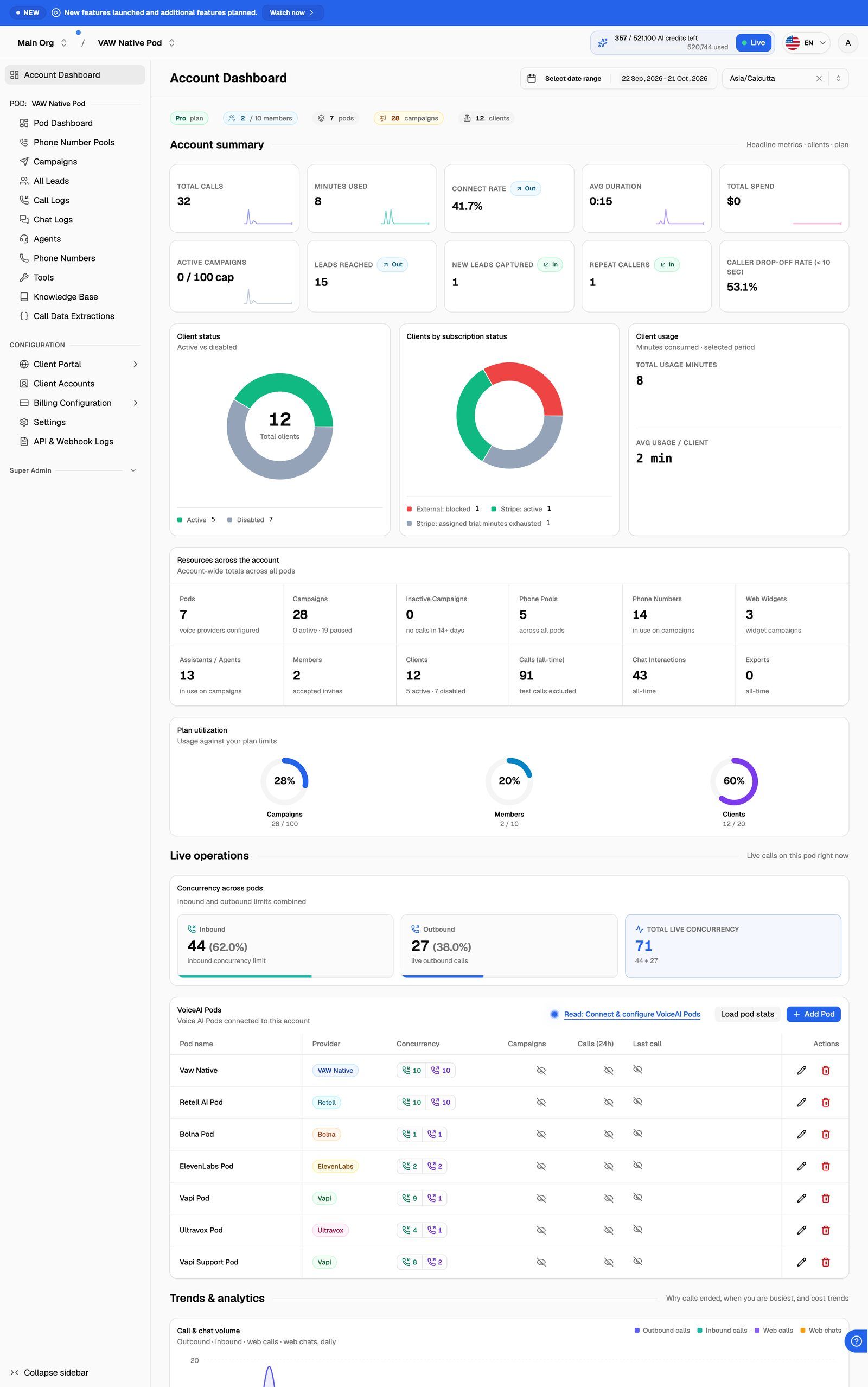
Your organization is your agency's account. Your team members join it.
Pods hold your agents, phone numbers, knowledge bases and tools.
Campaigns put an agent to work on outbound calls, inbound calls or a web widget on a site. Each campaign has its own leads, calls and results.
Client accounts are the businesses you sell to. Each one gets workspaces that show a chosen set of your assets, and users who log in to the portal.
Key Concepts: Organizations, Pods, Agents, Campaigns, Clients and Workspaces explains each of these in more detail.
Where to start
New accounts start in a short setup wizard that reads your business site and builds a first VAW Native agent with you. Then follow the setup checklist to get from that first agent to your first paying client.
Find your way around the help center
Related articles
Was this helpful?
Still need help? Share an idea